
LOGGING IN TO WEBMAIL / OWA:
You can access your entire mailbox, including email in all your folders, your Contacts, Calendar and Public or Shared Folders, via any browser from anywhere on the internet anywhere in the world!
The URL for webmail is:
- Please note, you may see a "security warning" when accessing this site...
If you do, it is OK to accept the risks and proceed. This warning occurs because we are 'redirecting' you from the atlantasbt.com domain to our myoutlookonline.com domain.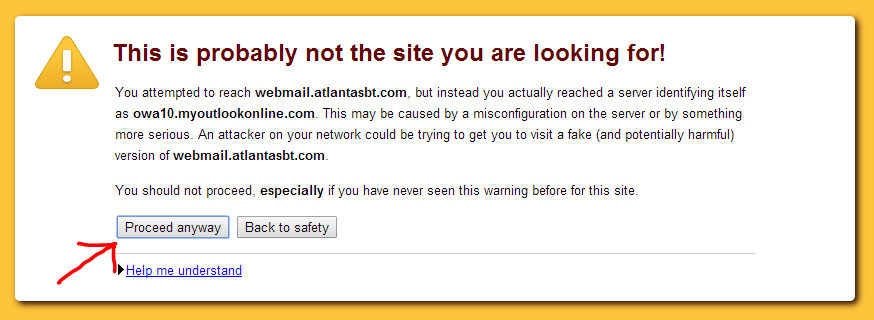
- If you wish to avoid this warning, you can use the URL:
https://mymail.myoutlookonline.com
If it is your first time logging in to Outlook Web App you may need to select your time zone. Please note the Public and Private options and descriptions.
Please be sure to choose "Sign Out" or "Log Out" when finished.
CHANGING YOUR MICROSOFT OUTLOOK WEB APP THEME
In the Microsoft Outlook Web App 2010 you can change your theme! Please follow the steps below.
- Log into the Outlook Web App.
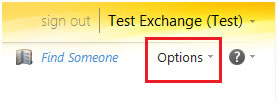
- Choose Options in the top right corner.
- Choose your theme. Click the right arrow to scroll through different Web App themes. Click on the theme of your choice.
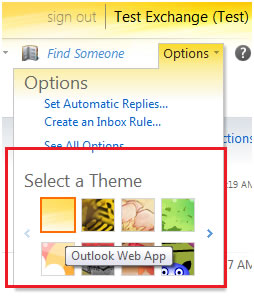
**Themes can be changed at any time**
0 Comments